
Download JavaScript Helper APK – JavaScript Programming, Code Editor, Tutorial, Learning Tool, Android App
Overview
JavaScript Helper APK is a free Android application designed to support learners in mastering JavaScript programming from foundational concepts to more advanced techniques. Developed by Ventura Design Apps, the app serves as a comprehensive educational tool tailored for students, beginners, and individuals preparing for technical interviews or academic assessments. Its primary purpose is to simplify the learning process by offering structured lessons, practical code examples, and interactive learning components. The software addresses common challenges faced by new coders, such as understanding syntax, grasping core programming logic, and building confidence through hands-on practice.
Real-world usage scenarios include classroom study, self-paced learning, exam preparation, and on-the-go coding practice. The app is particularly useful for users who prefer mobile learning and want to access JavaScript tutorials anytime, anywhere. While the developer did not provide additional information about the company background, the app’s focus on education and usability suggests a targeted approach to beginner-friendly development tools. The inclusion of a built-in code editor with syntax highlighting indicates a commitment to practical learning, allowing users to experiment with code directly within the application.
Key Features & Capabilities
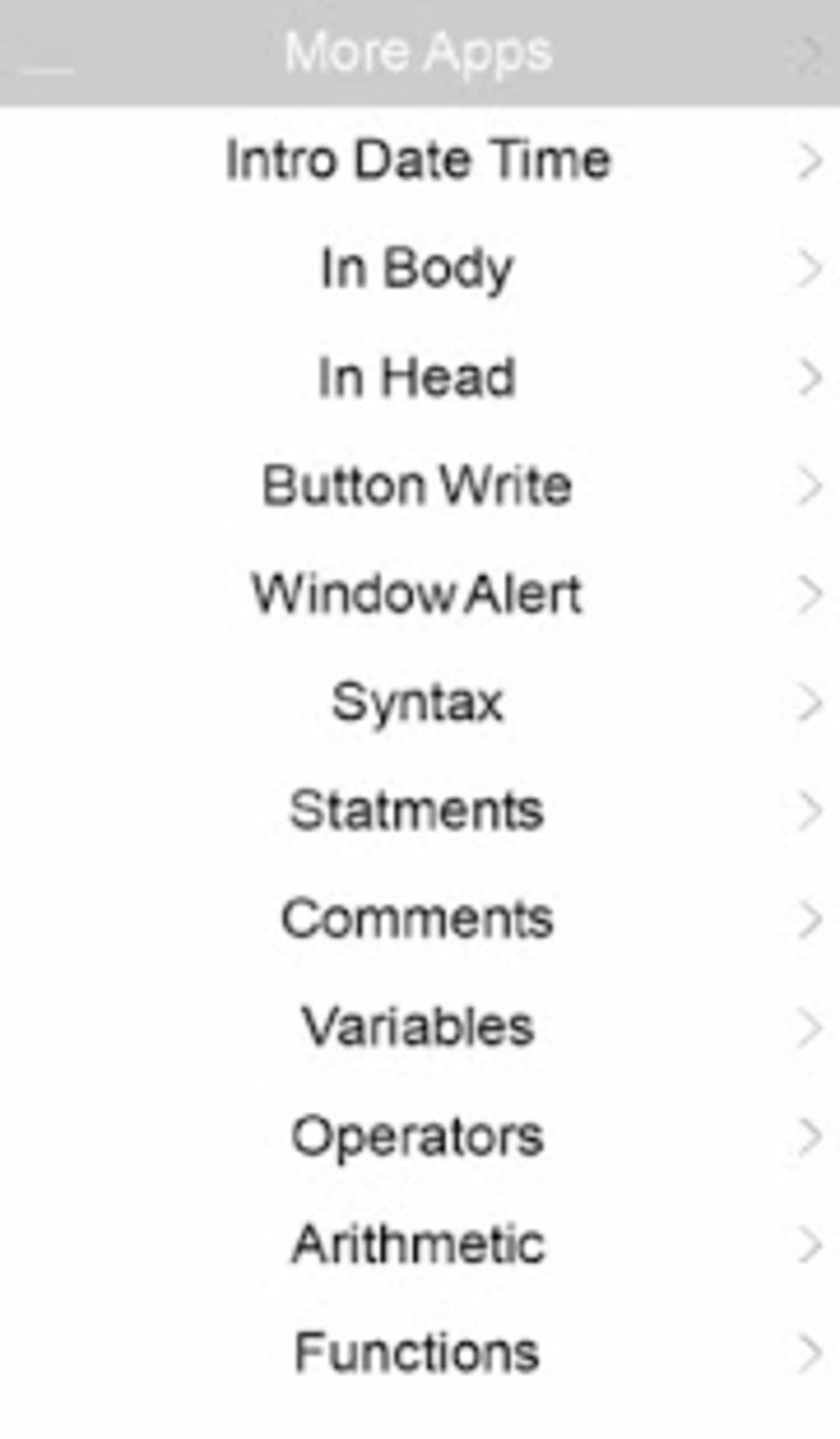
- Structured JavaScript Tutorials – The app provides a curated collection of lesson manuals covering fundamental and advanced JavaScript topics, ideal for both new and intermediate learners.
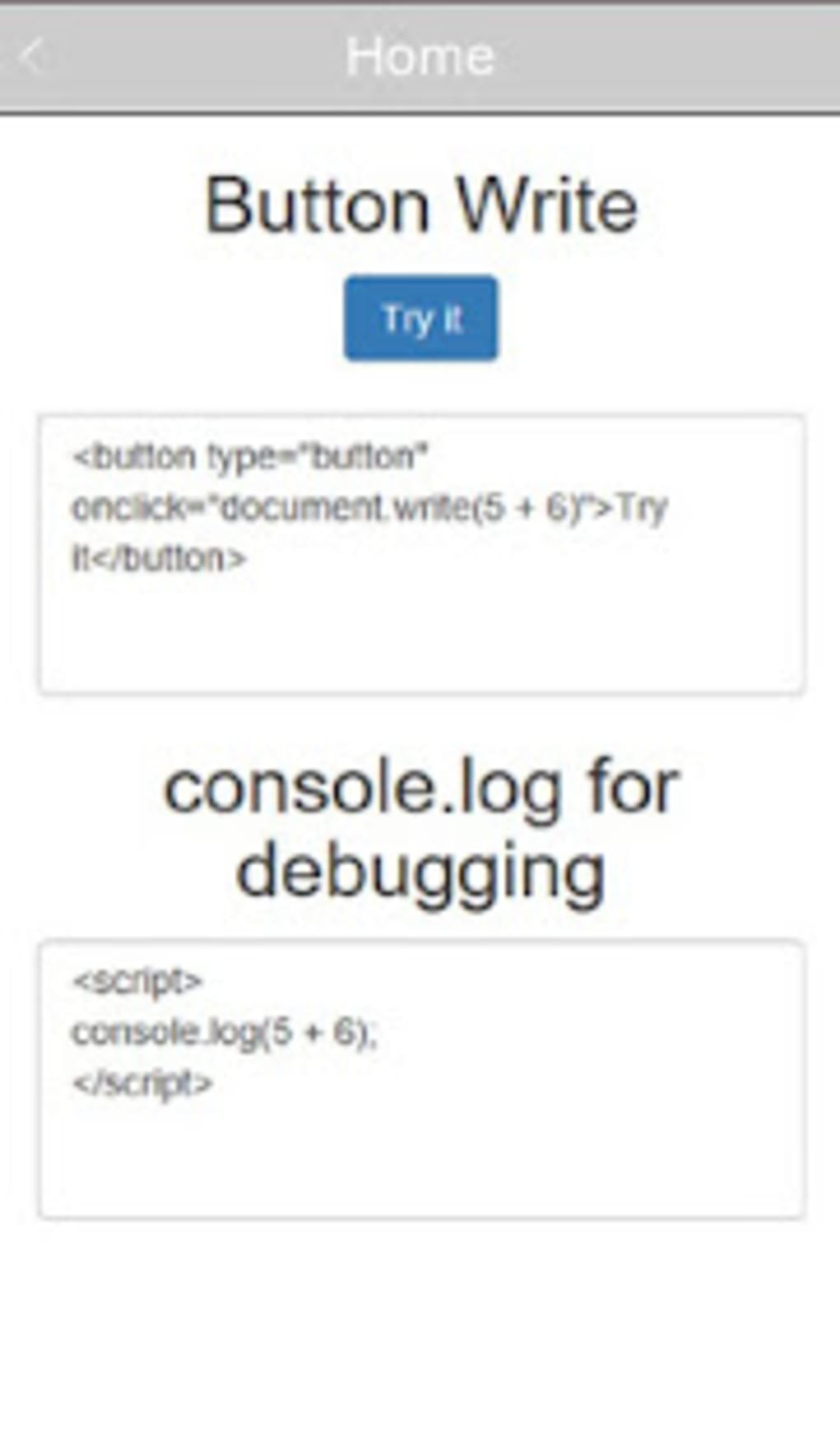
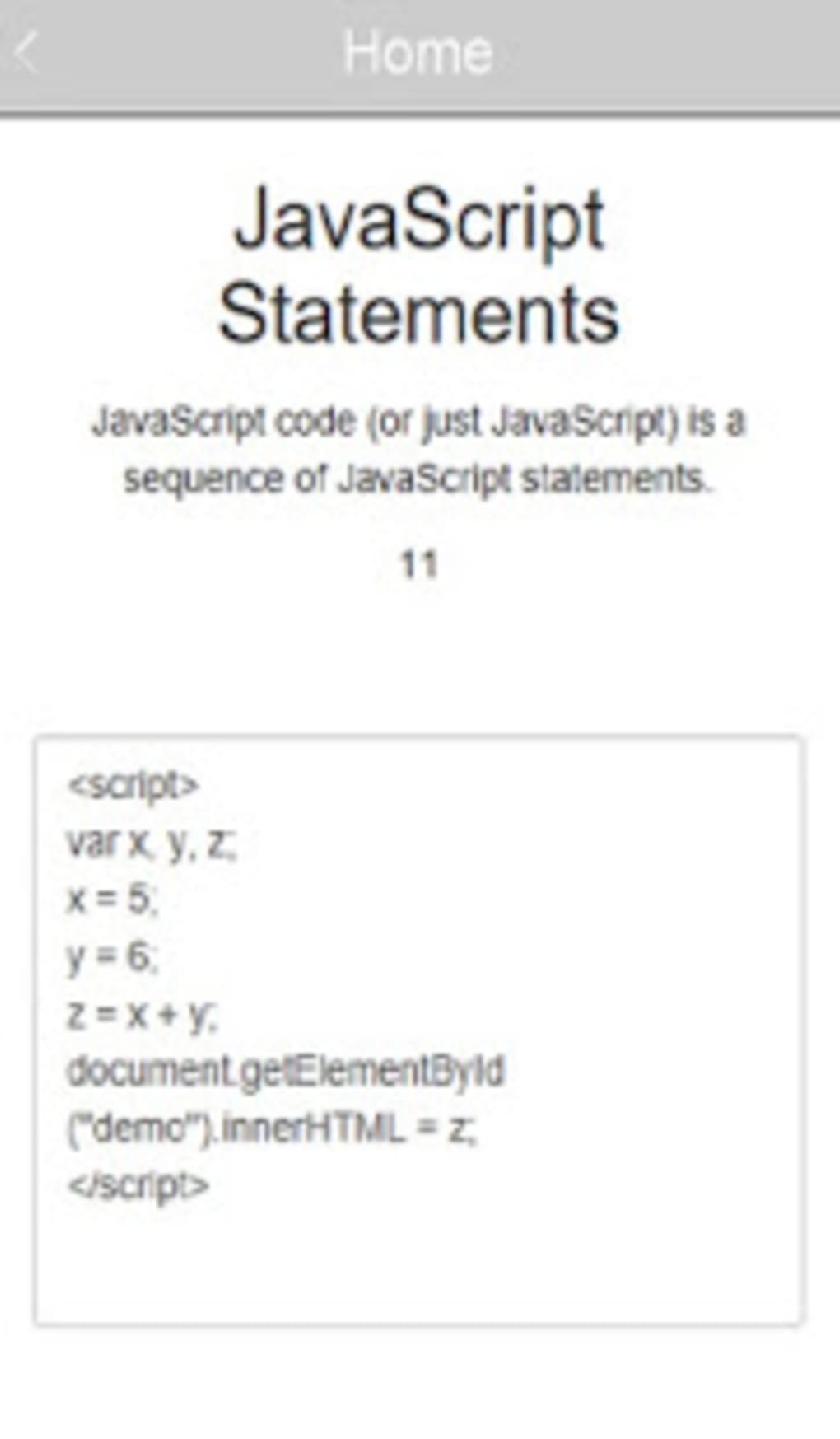
- Interactive Code Editor – Features syntax highlighting and the ability to run code directly in the app, enabling real-time experimentation and immediate feedback.
- Practical Code Examples – Includes a wide range of working JavaScript programs and scripts that demonstrate real-world use cases and problem-solving techniques.
- Cheat Sheets & Reference Guides – Offers quick-access summaries of common functions, syntax rules, and programming patterns for efficient review and recall.
- Mobile Learning Accessibility – Designed for Android devices, allowing users to learn and practice JavaScript anytime, whether during commutes or study breaks.
These features collectively support a dynamic learning experience. For example, a student preparing for a coding interview can review cheat sheets, test a function in the code editor, and verify output—all within a single interface. Similarly, a beginner can follow step-by-step tutorials, run sample code, and observe results to reinforce understanding. The integration of theory and practice helps bridge the gap between learning and application, making the software effective for both academic and professional skill development.
User Interface, Workflow & Performance
The application features an intuitive interface designed to minimize user friction and support seamless navigation. Users can browse through lesson categories, access tutorials, and switch between reading content and coding with minimal effort. The layout emphasizes clarity and readability, with well-organized sections and responsive controls that adapt to various screen sizes.
Workflow efficiency is enhanced by the integrated code editor, which allows users to write, edit, and execute JavaScript code without leaving the app. This reduces the need for external tools and streamlines the learning process. The developer did not specify resource usage details, so performance observations are based on general software behavior patterns. Users may experience smooth operation on modern Android devices, though performance can vary depending on device capabilities. Stability is expected to be consistent for standard use cases, but the developer did not provide information on crash rates or long-term reliability.
Compatibility & System Requirements
JavaScript Helper APK is designed for Android operating systems. The application is available as a downloadable APK file, indicating it is distributed outside official app stores. The app’s installation size is not specified, nor are exact hardware requirements. Compatibility information is limited to the Android platform, with no details on minimum OS version or device specifications.
The developer did not list specific system requirements. As such, users should ensure their Android device meets general standards for running applications of this nature. Performance may depend on available RAM, processor speed, and storage space. The app’s functionality relies on the Android runtime environment, and users should verify that their device supports the required Android version. For optimal experience, it is recommended to use a device with a stable internet connection for updates and content access.
Pros and Cons
Pros
- Free to download and use, making it accessible to a broad audience.
- Includes a built-in code editor with syntax highlighting for hands-on learning.
- Offers structured tutorials, cheat sheets, and practical code examples.
- Designed for mobile learning, ideal for on-the-go study and review.
- Supports both beginners and those preparing for technical interviews.
Cons
- APK distribution may raise security concerns for users unfamiliar with sideloading.
- Exact system requirements and performance data were not provided.
- Limited to Android platform; no support for iOS or desktop systems.
- Lack of official app store presence may affect update reliability and user trust.
- No information on cloud sync, offline access, or progress tracking.
FAQ Section
Is JavaScript Helper APK safe to download and install?
The app is distributed as an APK file, which requires manual installation. Users should only download from trusted sources to avoid potential security risks. It is recommended to scan the file with a reputable antivirus tool before installation.
Can I use JavaScript Helper without an internet connection?
While the app may offer some offline functionality, the developer did not specify whether all features are available without internet access. Basic tutorials and code examples might work offline, but updates or cloud-based content may require connectivity.
How often are updates released for JavaScript Helper?
Update frequency was not disclosed by the developer. Users should check the source website regularly for new versions or improvements.
Is the license type for JavaScript Helper free or paid?
The software is described as free to use. No subscription or in-app purchase details were provided, suggesting a one-time free access model.
Does JavaScript Helper support iOS or desktop operating systems?
Based on the available information, the app is only available for Android devices. There is no indication of support for iOS, Windows, or macOS platforms.
Final Thoughts + CTA
JavaScript Helper APK stands out as a valuable educational tool for anyone seeking to learn or improve their JavaScript skills through a mobile-first approach. Its combination of structured lessons, interactive coding, and practical examples creates a supportive environment for learners at all levels. While the lack of detailed system requirements and platform limitations may restrict some users, the app’s strengths in accessibility and usability make it a compelling choice for students and self-learners.
For those looking to build a solid foundation in JavaScript or prepare for technical assessments, this app offers a convenient and engaging way to practice coding on Android devices. Its free model enhances its appeal, especially for users with limited access to formal training resources.
Download JavaScript Helper APK now and start mastering JavaScript programming with confidence.




.png)


